
Photos to PDF
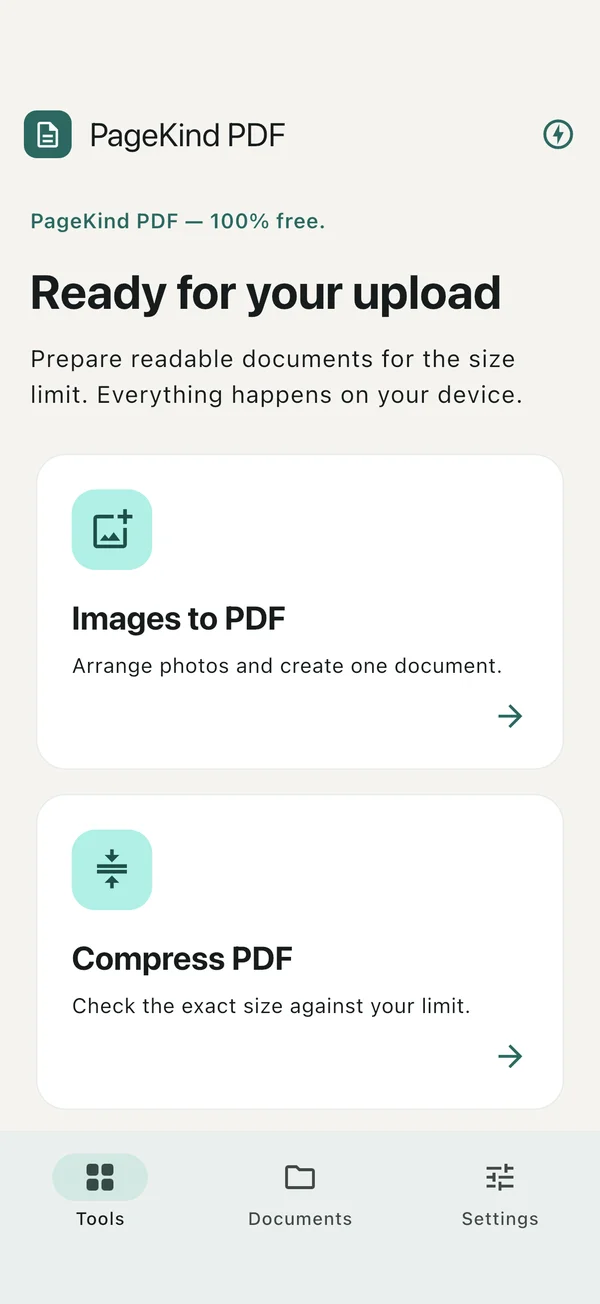
Import JPEG, PNG, HEIC or WebP images. Capture a page with the camera or use the iOS document scanner.
 PageKind PDFDocuments & productivity
Create PDFs from photos, compress documents and organize pages. Free tools, on your device, with your original files preserved.
Save a copy before you uninstall.
Privacy policyImport JPEG, PNG, HEIC or WebP images. Capture a page with the camera or use the iOS document scanner.
Choose lossless compression or explicitly flatten pages to images. Check the measured result; an exact target size is not guaranteed.
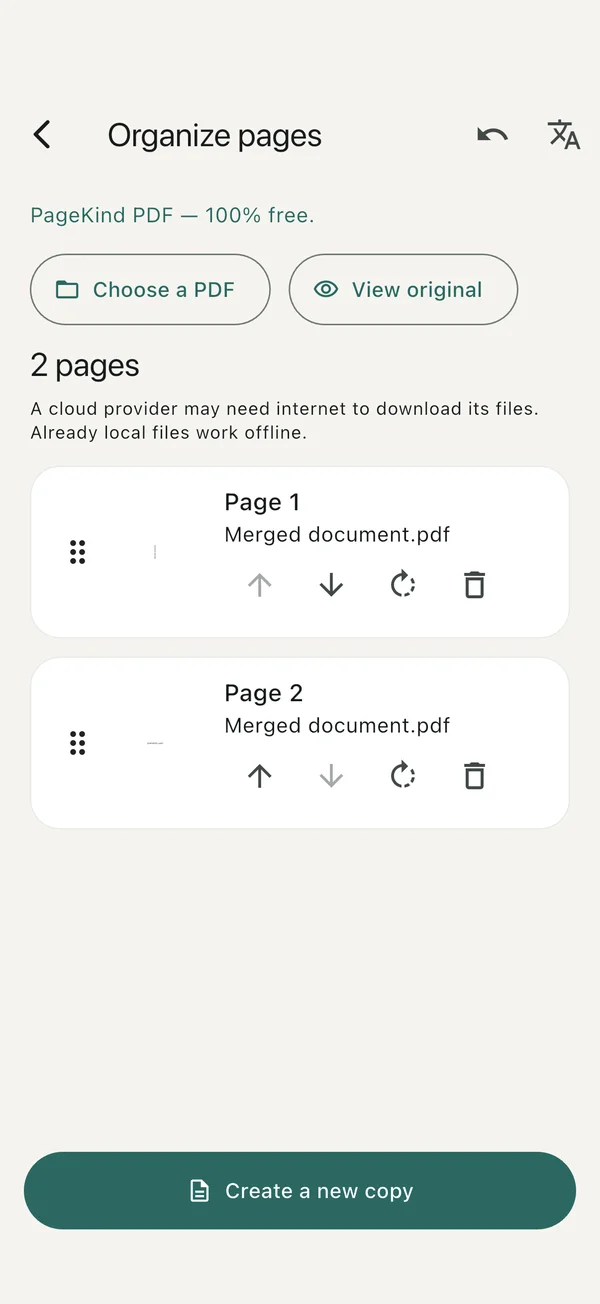
Merge, split, extract, rotate and reorder supported PDFs. Complex files may require consent or be refused to protect their structure.
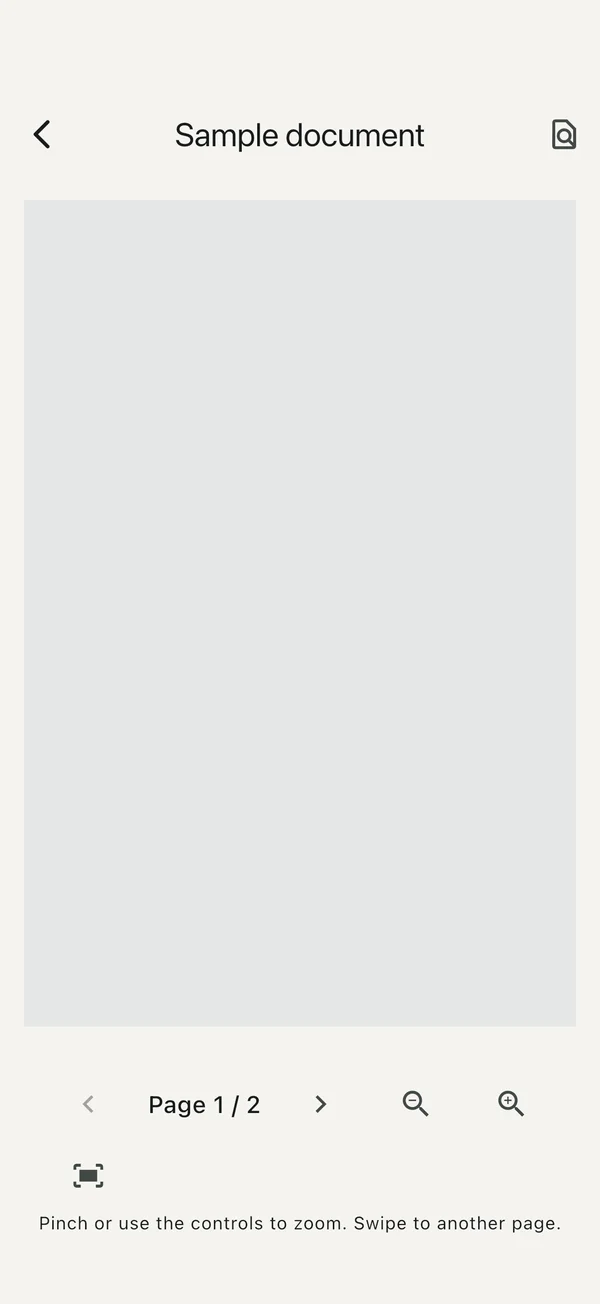
Preview and save local results, export all documents to a chosen folder, or share through the system share sheet.
Screens from the iPhone app.
Tools
Preview
Pages in the right order
Import images or PDFs, or photograph a page.
Select a tool, page order and compression mode. Originals stay unchanged.
Check readability and file size, then save or share your result.
Yes. Processing and storage are local. Visiting this website, sending email or using a cloud file provider can need an internet connection.
There is no automatic cloud backup of private app data. Export important files or a manual backup before uninstalling or changing devices.
Choose lossless compression or explicitly flatten pages to images. Check the measured result; an exact target size is not guaranteed. Merge, split, extract, rotate and reorder supported PDFs. Complex files may require consent or be refused to protect their structure.
Before contacting support, note the app version, device, operating-system version and steps to reproduce the issue. No confidential file is needed for an ordinary support request.
hello@midax.studio