
Record in a tap
Start a quick note or record straight into a folder. Microphone access is requested when you choose to record.
 MapavoxVoice notes & organization
Capture a thought, keep it in a colorful folder and find it when you need it. Your voice notes stay on your device.
Save a copy before you uninstall.
Privacy policyStart a quick note or record straight into a folder. Microphone access is requested when you choose to record.
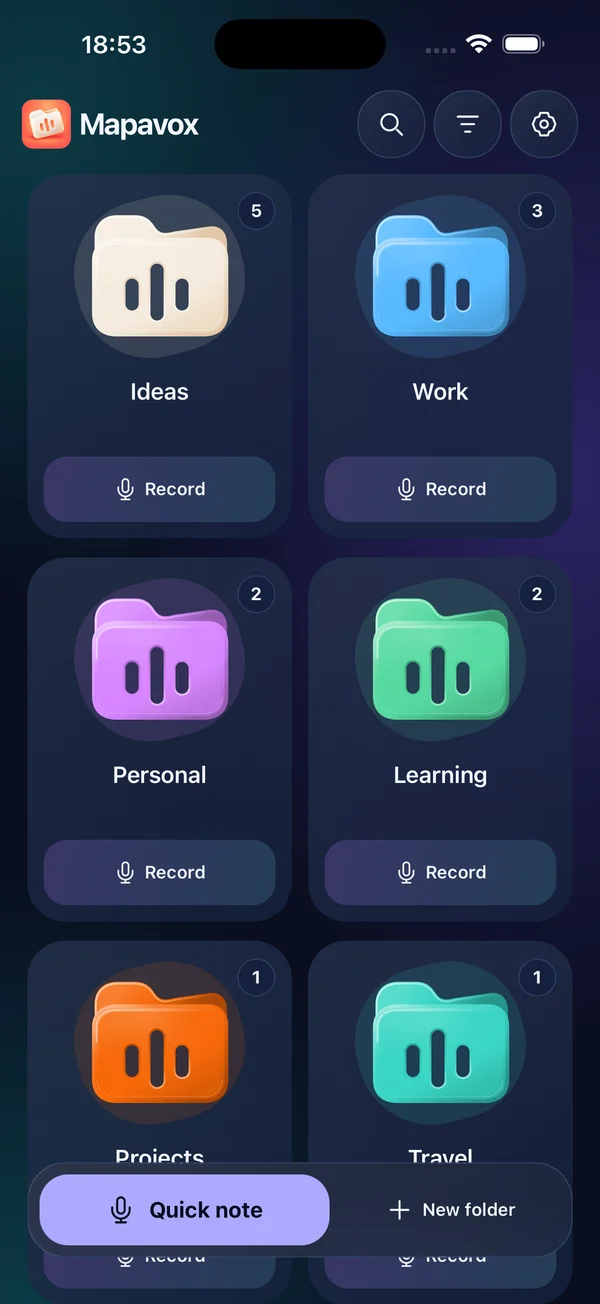
Organize notes in colored folders, with six palettes, thirteen preset colors and light or dark appearance.
Play your recordings, search your library and restore recently deleted items for up to 30 days.
Export a manual ZIP backup and import it on another device. Automatic system backup is disabled; ZIP archives have no app password.
Screens from the iPhone app.
Your folders
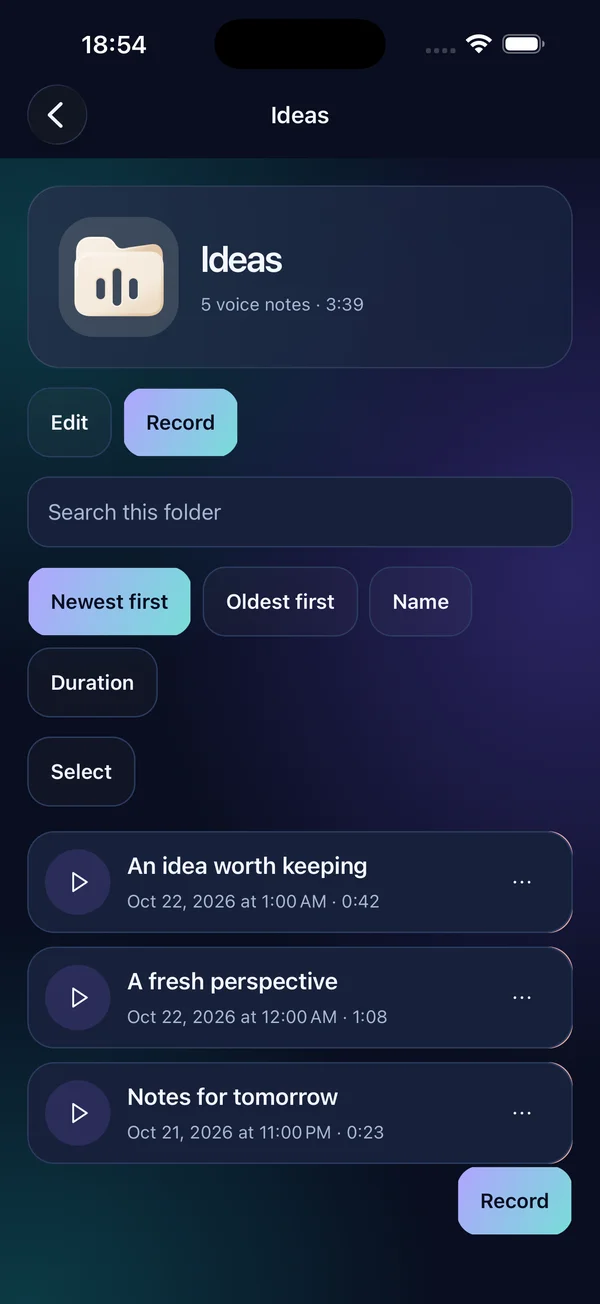
Listen and find
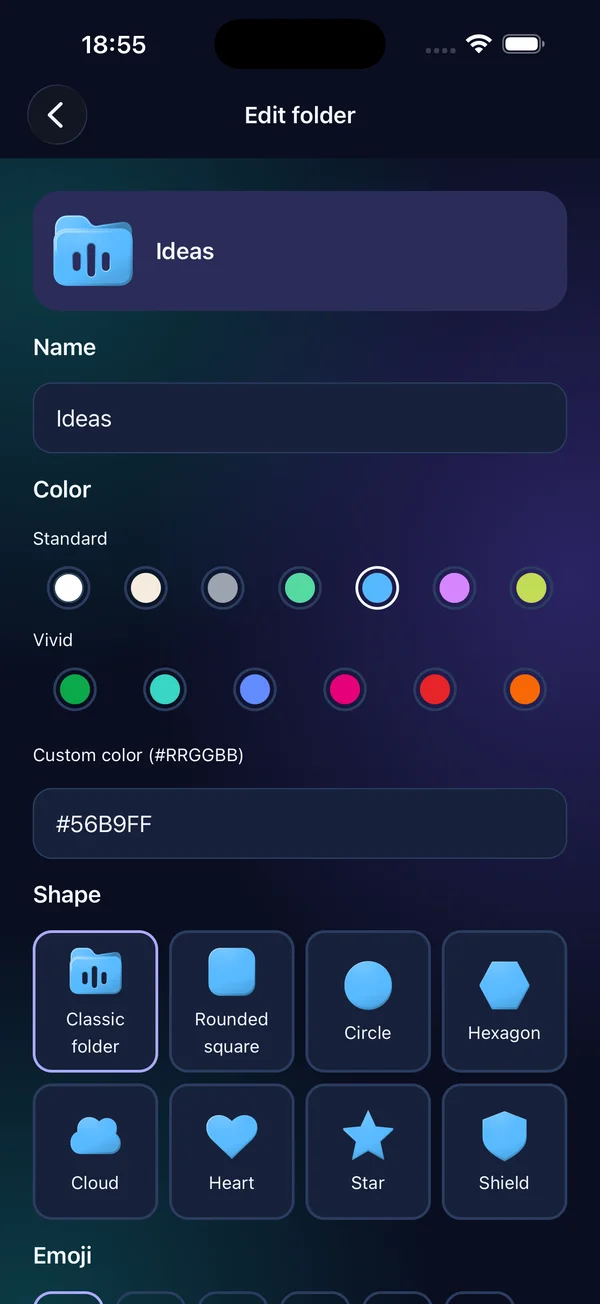
Make it yours
Choose a name, a color and a shape for your folder.
Record a voice note, then save it in the right place.
Find your notes and keep an exported backup before changing phones.
Yes. Processing and storage are local. Visiting this website, sending email or using a cloud file provider can need an internet connection.
There is no automatic cloud backup of private app data. Export important files or a manual backup before uninstalling or changing devices.
Automatic system backup is disabled. Export a manual backup before changing phones; losing or uninstalling the app may remove local data. Exported ZIP archives have no app password. Diagnostic logs stay local and contain only error codes, timestamps, app version and platform when shared. Sharing is always your choice. A damaged or unfinished recording may not be recoverable.
Before contacting support, note the app version, device, operating-system version and steps to reproduce the issue. No confidential file is needed for an ordinary support request.
hello@midax.studio